Pay at cashier
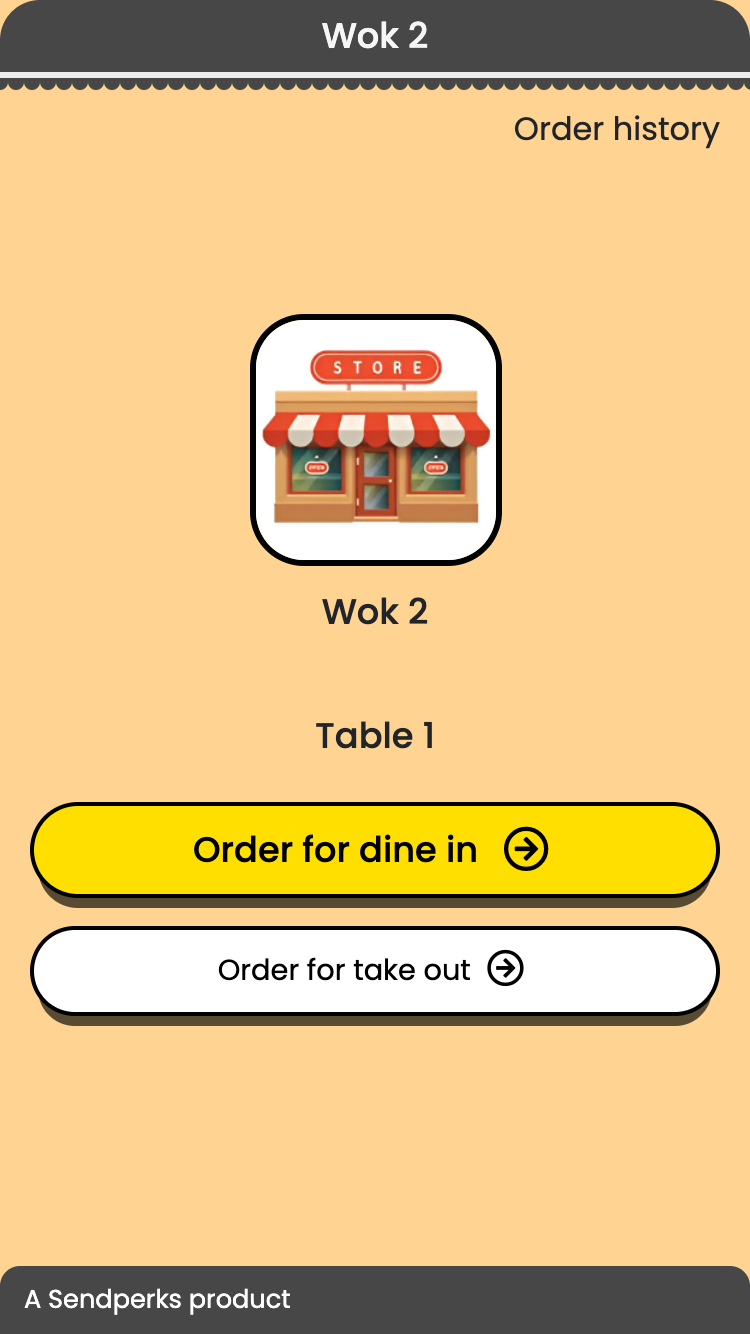
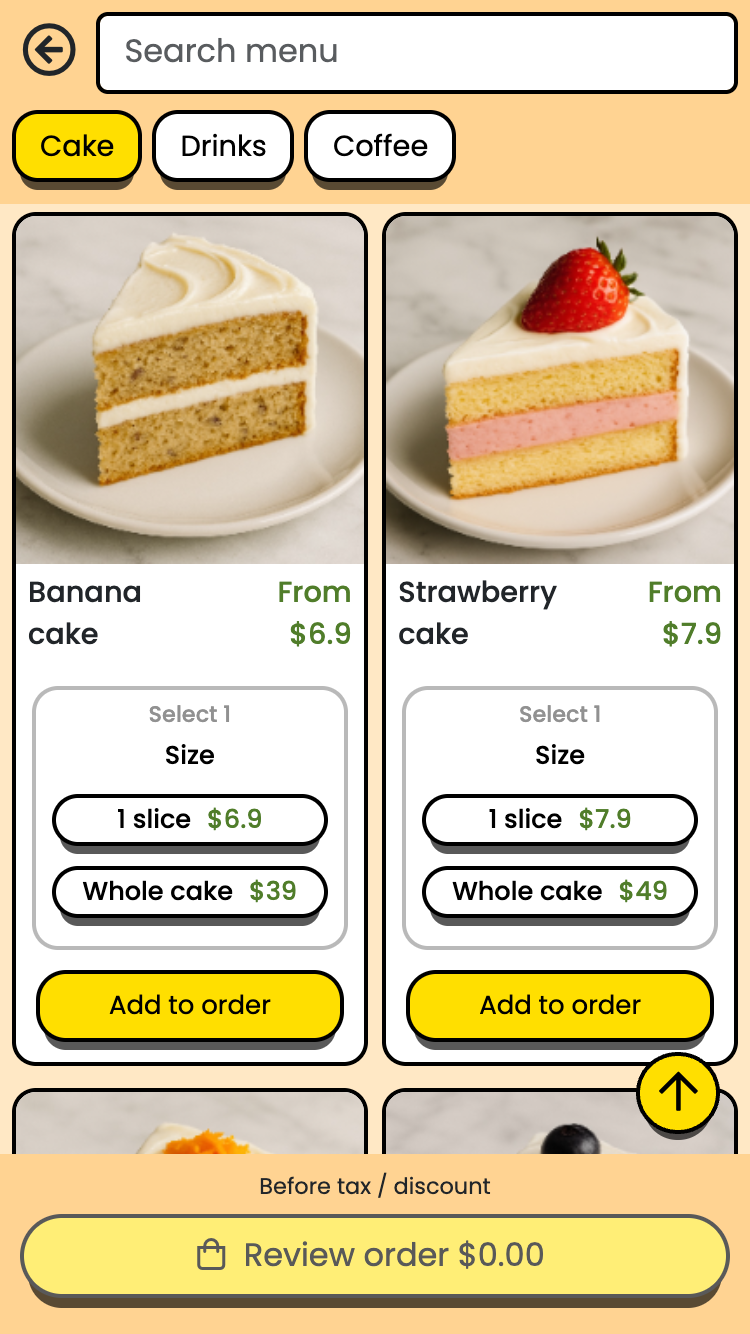
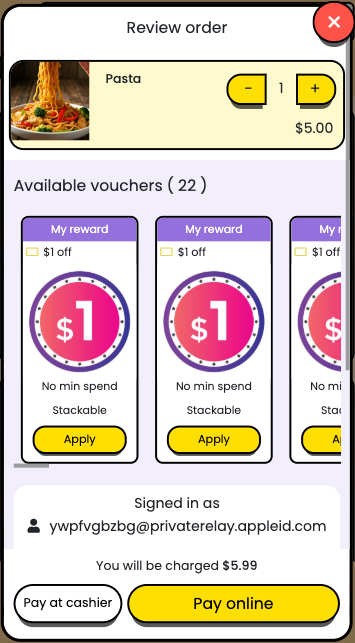
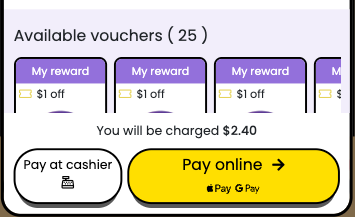
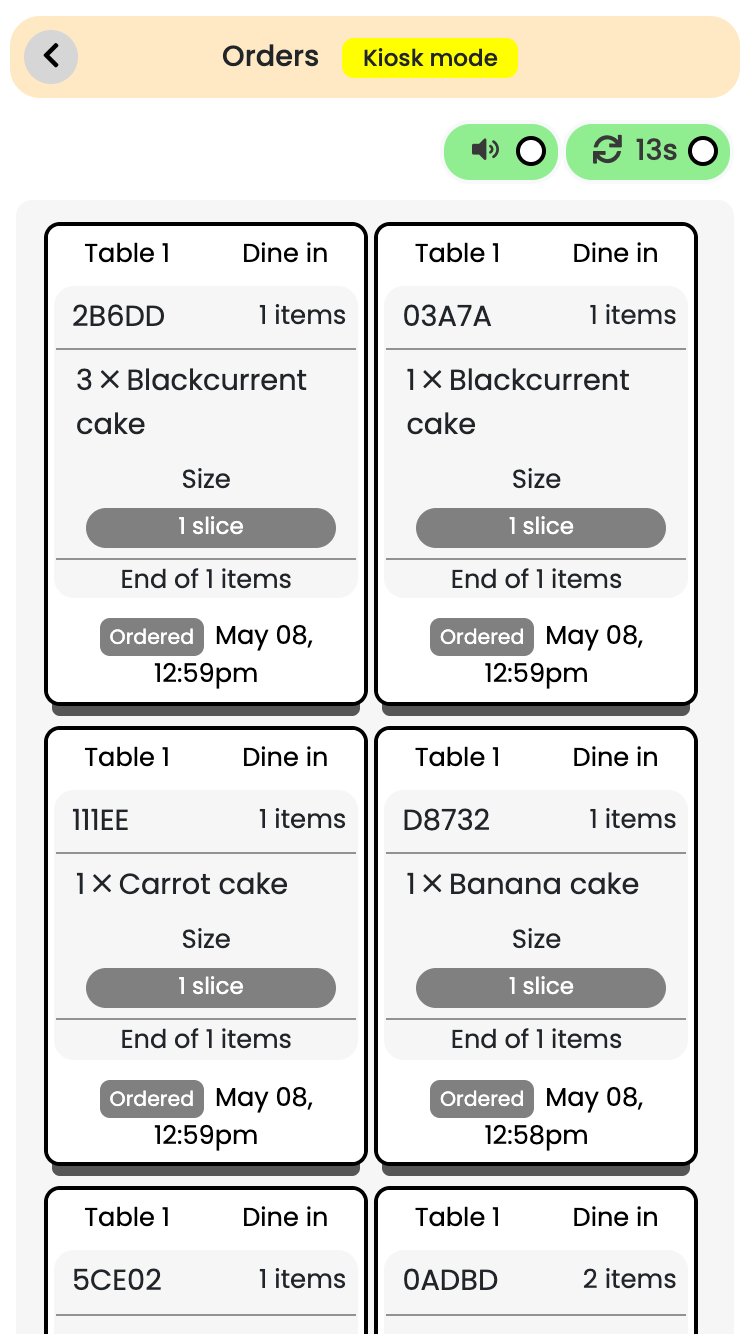
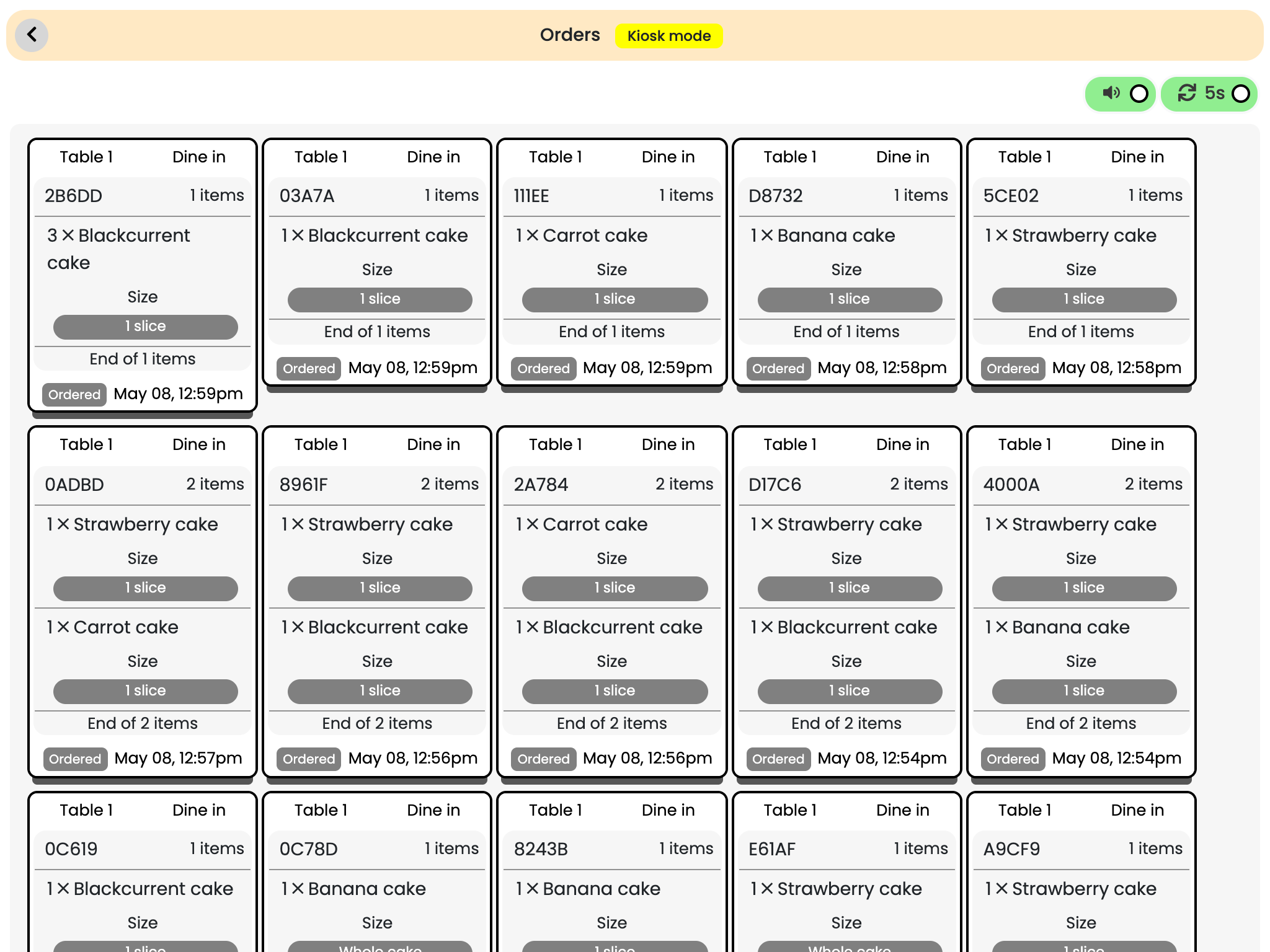
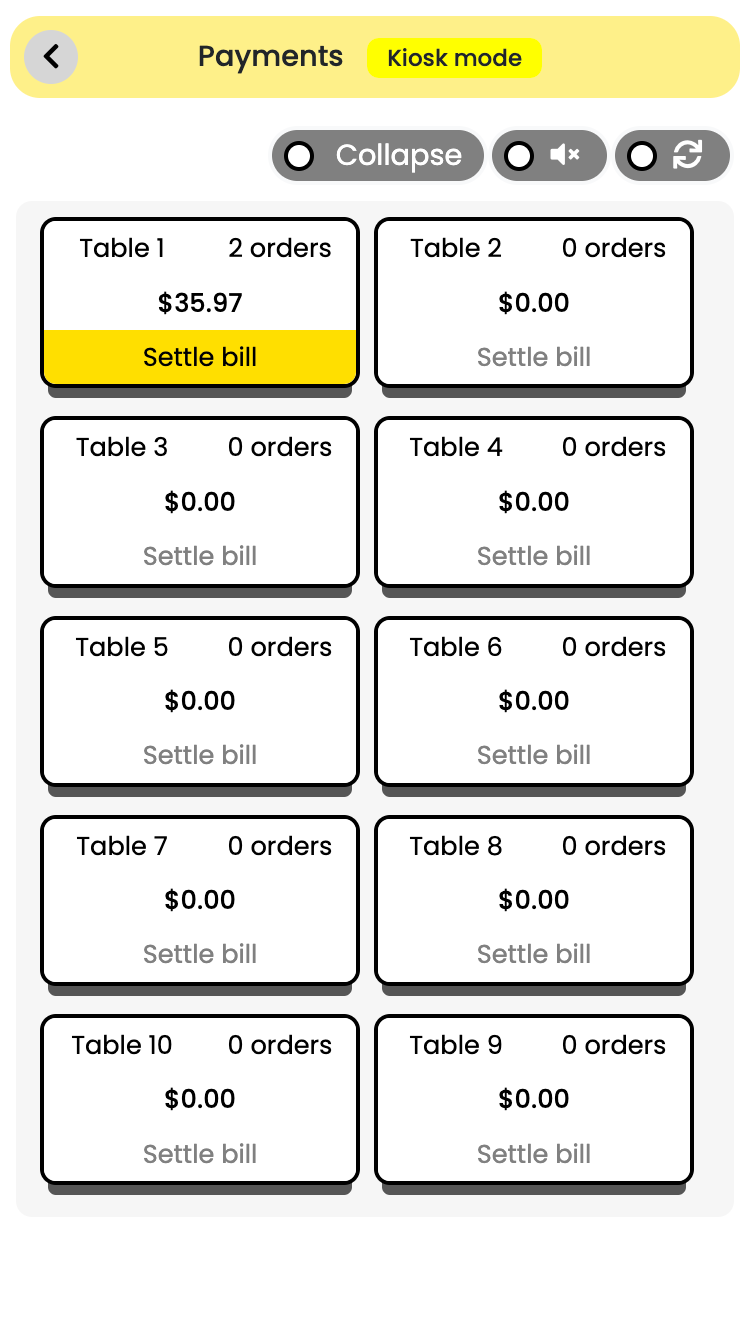
Pay at cashier allows customers to place food orders through QRs on their phones , but pay at the cashier
This allows you to re-use pre-existing tills , cashiers , payment card readers you may already have
This is also the most convenient and seamless method to start using QR tableorder for taking orders, while continuing to use your existing payment hardware and processes
FEES
There are no additional charges for using this payment mode
Pay at cashier payment mode can be activated or deactivated anytime
Apple Pay
Apple Pay allows customers to pay directly from their iPhones or other Apple devices using their Apple Pay wallets
Our platform takes care of the payment processing , and you do not need to sign up for any additional payment processing services
FEES
As there are external payment processing fees associated with this payment mode , the following are indicative fees we collect on their behalf:
Apple pay additional fees
Per transaction
3.4% + S$0.50
Updated May 7 , 2025
Apple pay payment mode can be activated or deactivated anytime
SETTLEMENT
After you have received an Apple Pay payment , external payment processing fees are first deducted from your payout , and the remaining amount will be transferred to the choice of your bank account , usually within 1 - 3 working days . You can monitor this from the merchant dashboard
AVAILABILITY
Currently , Apple pay payment mode is only available in
Singapore . We plan to gradually expand support to more countries over time
Apple pay supported regions
Supported region
Singapore
Updated May 7 , 2025
Google Pay
Google Pay allows customers to pay directly from their Android phones or other Android devices using their Google Pay wallets
Our platform takes care of the payment processing , and you do not need to sign up for any additional payment processing services
FEES
As there are external payment processing fees associated with this payment mode , the following are indicative fees we collect on their behalf:
Google pay additional fees
Per transaction
3.4% + S$0.50
Updated May 7 , 2025
Google pay payment mode can be activated or deactivated anytime
SETTLEMENT
After you have received a Google Pay payment , external payment processing fees are first deducted from your payout , and the remaining amount will be transferred to the choice of your bank account , usually within 1 - 3 working days . You can monitor this from the merchant dashboard
AVAILABILITY
Currently , Google pay payment mode is only available in
Singapore . We plan to gradually expand support to more countries over time
Google pay supported regions
Supported region
Singapore
Updated May 7 , 2025